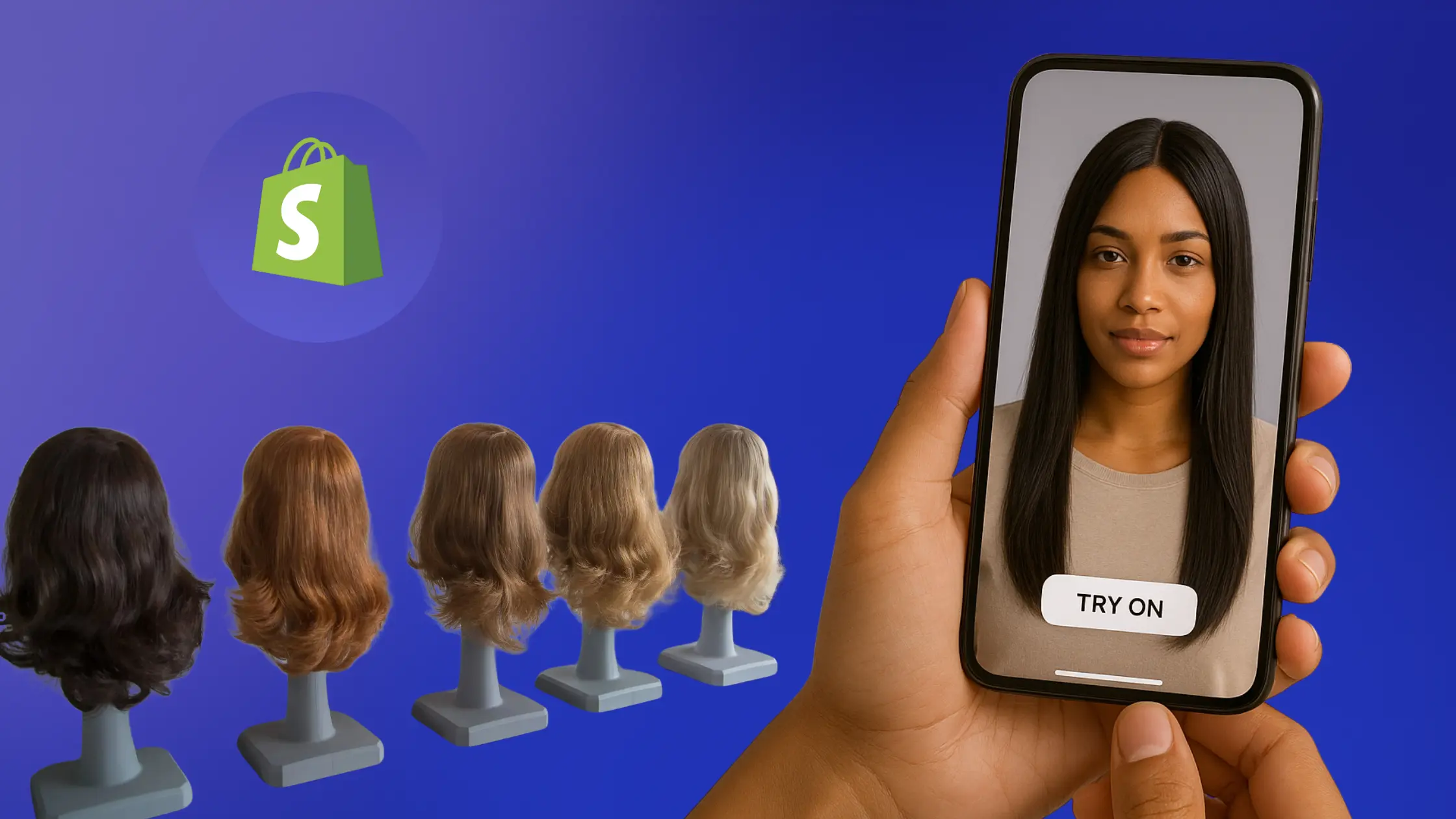
As online wig shopping grows, customers crave confidence in their purchase decisions. Offering Virtual Try-On for Wigs can significantly boost conversions, reduce returns, and enhance customer satisfaction. Here’s how you can enable this innovative experience on your Shopify store using Camweara.
Step 1: Install the Camweara App and Activate Your Plan
Go to the Shopify App Store, search for Camweara, and install the app on your store. Once installed, choose and activate the plan that fits your business needs. Camweara offers scalable pricing based on try-on usage, making it ideal for both small shops and large-scale brands.
Step 2: Prepare the Wig Images
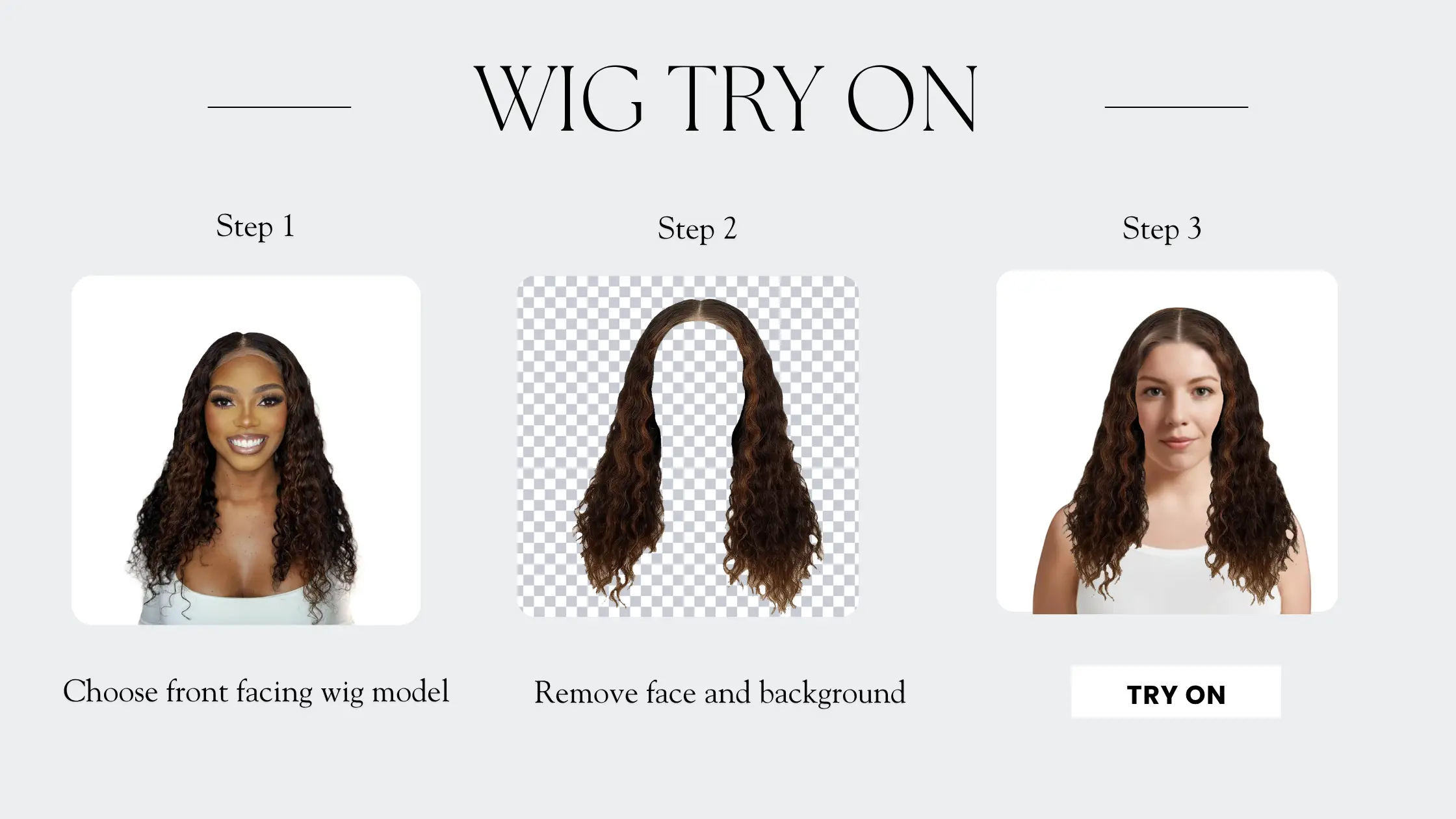
Use front-facing mannequin images or clear, centered shots of your wigs on models. Ensure:
- Background must be transparent, Camweara team can help you with this editing.
- Hair edges are cleanly cropped
- Images are in PNG format for optimal try-on alignment
This ensures that the virtual try-on looks as realistic and smooth as possible.
Step 3: Upload Images on the Camweara Dashboard
Log into your Camweara dashboard and upload your wig images under the “Wigs” category. You can:
Step 4: Use Adjustify if required
Once uploaded, test the virtual try-on live on your store. Use Camweara’s built-in Adjustify tool to make fine adjustments like:
- Positioning the wig better on the user’s face
- Scaling the size
Adjustify ensures that every product offers a seamless and accurate virtual try-on experience.
Step 5: Test the Try-On Experience
- Try the feature on multiple devices and browsers.
- Check for correct wig placement, size, and realism.
Step 6: Go Live and Promote
- Add the Try On button as explained on this video. https://youtu.be/I359Q1gK9EU
- Announce the feature on banners, social media, and email newsletters.
Offering wig virtual try-on on your Shopify store is a game-changer for customer engagement and sales. By following simple steps—selecting the right wigs, preparing quality images, and integrating with Camweara—you can create an interactive shopping experience that builds trust and boosts conversions.
👉 Ready to offer virtual wig try-on? Get started with Camweara today!