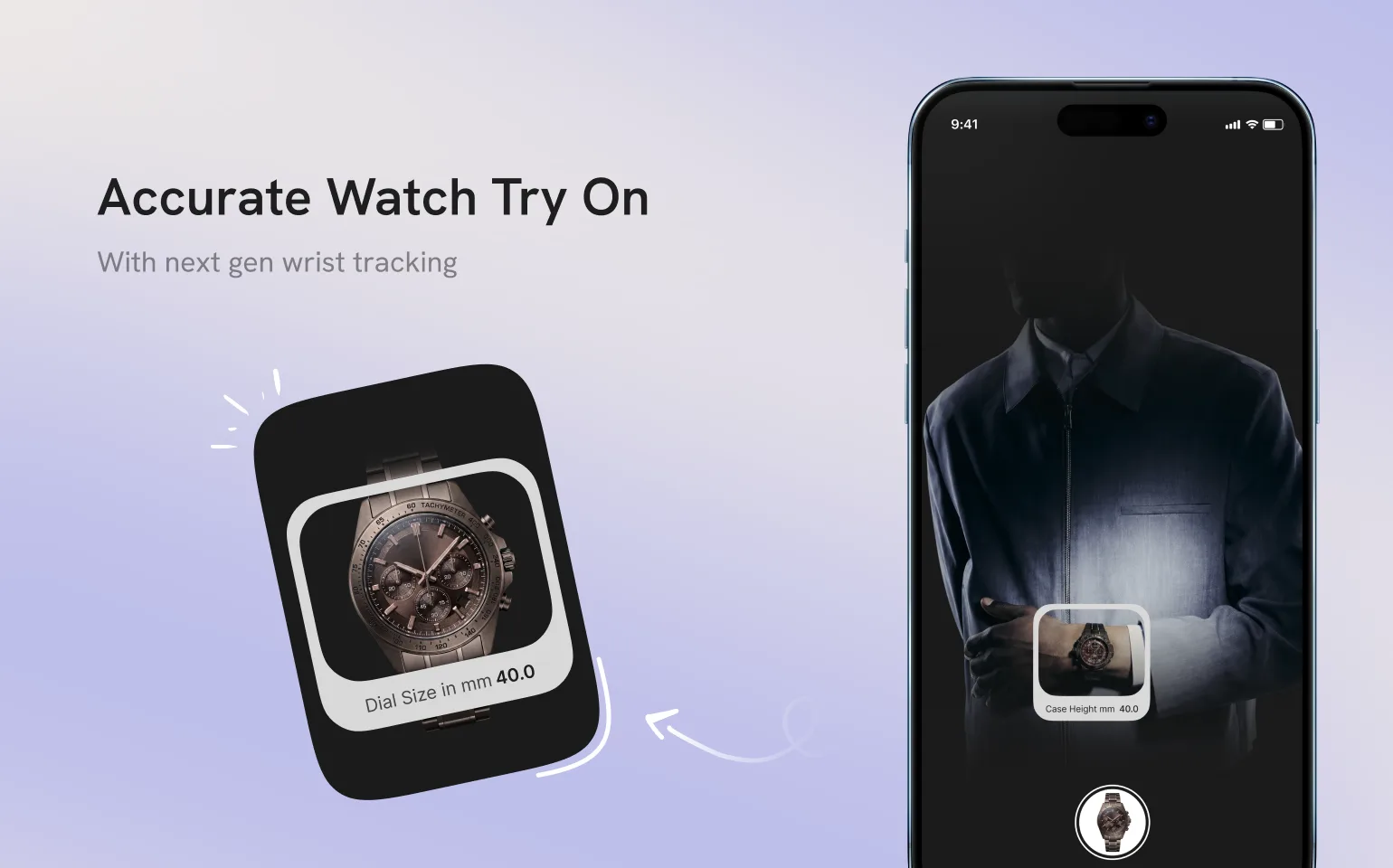









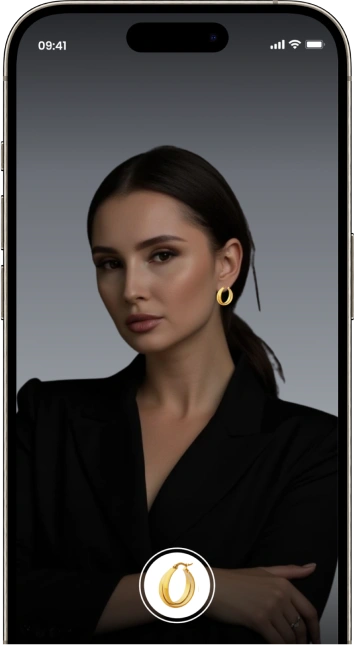
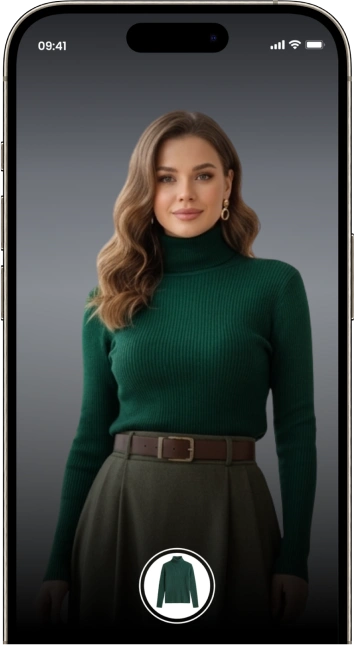
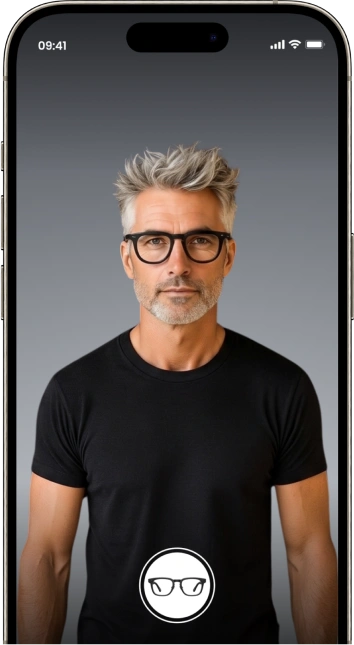
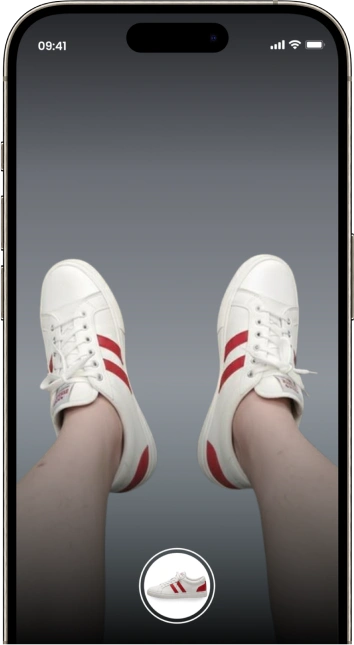












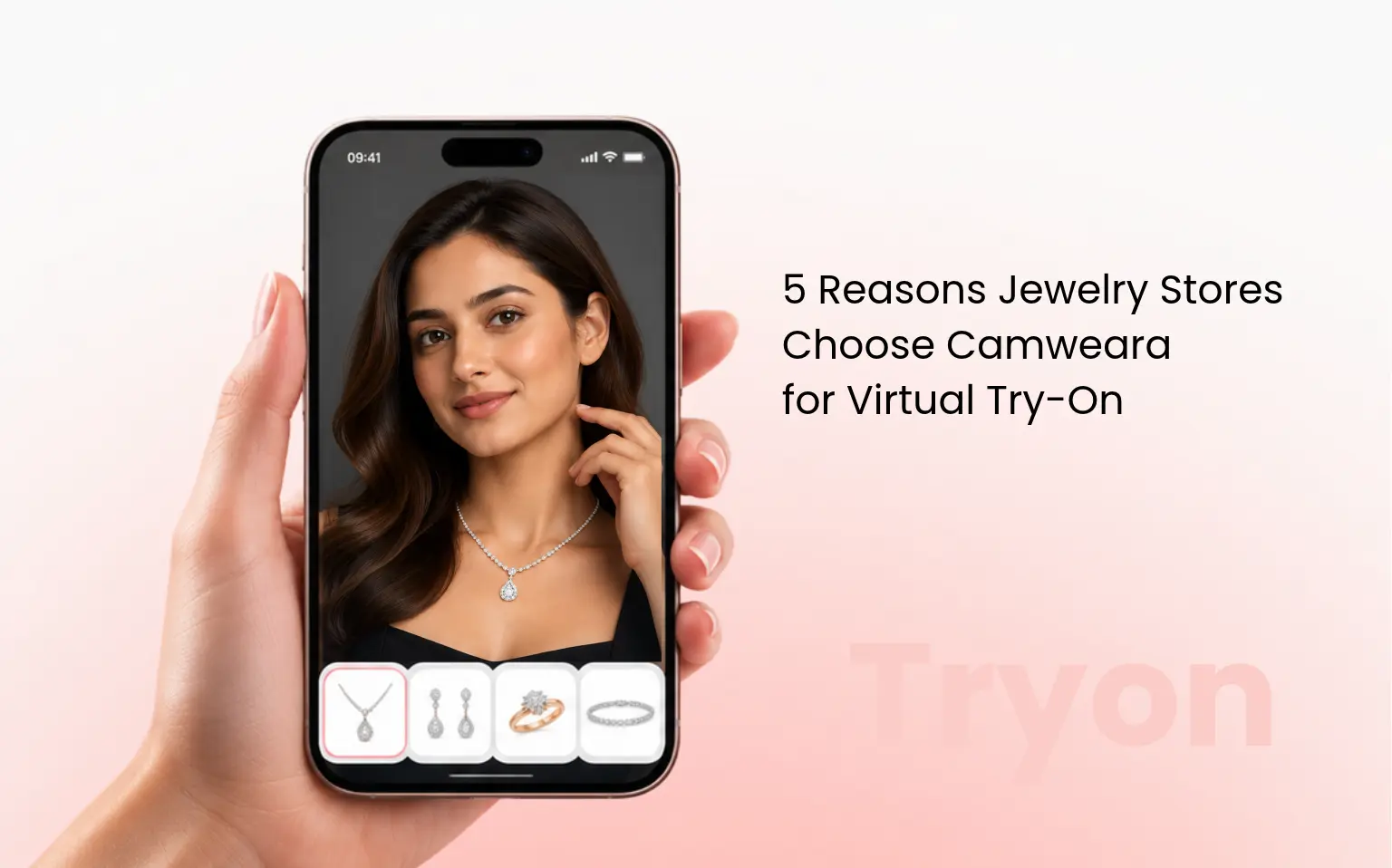
In today’s competitive e-commerce world, offering a personalized shopping experience is key. With Camweara’s virtual clothes try-on, brands can elevate their online presence and give customers a lifelike virtual fitting experience. Whether you’re a small boutique or a global clothing brand, this guide will walk you through how to successfully launch your virtual clothes try-on feature with Camweara.
If you have a Shopify store, installing Camweara is quick and easy.
Once installed, you’ll be able to access Camweara Dashboard.
To integrate Camweara’s clothing try-on feature into your existing system, you will need to use the Camweara API. This powerful API allows for smooth integration with various platforms while ensuring a dynamic user experience.
Steps to Integrate Camweara API:
Manual 3D Model Creation:
Using Camweara’s 3D Maker Tool:
Launching a Virtual try-on for clothes with Camweara opens the door to a new, immersive shopping experience. With proper planning, optimization, and promotion, your brand can offer customers a modern, interactive way to shop. Whether you’re looking to boost sales, reduce returns, or simply offer an innovative shopping experience, Camweara’s virtual try-on solution is the perfect tool to elevate your brand.
Ready to get started? Contact Camweara today to learn more about how we can help you revolutionize your fashion business.
Camweara is on a mission to reduce guesswork in online shopping and save billions of retailers & shoppers time and money.